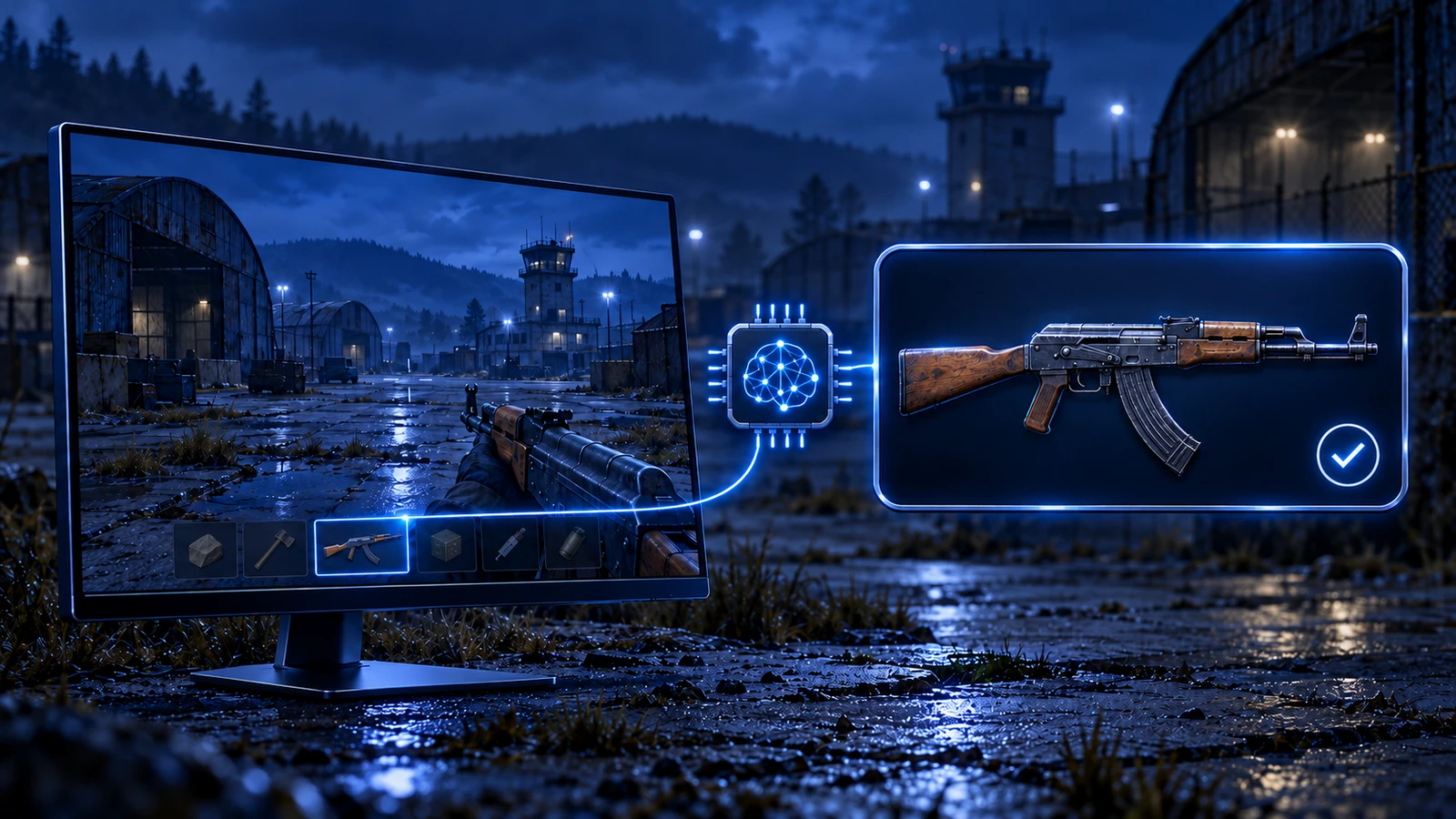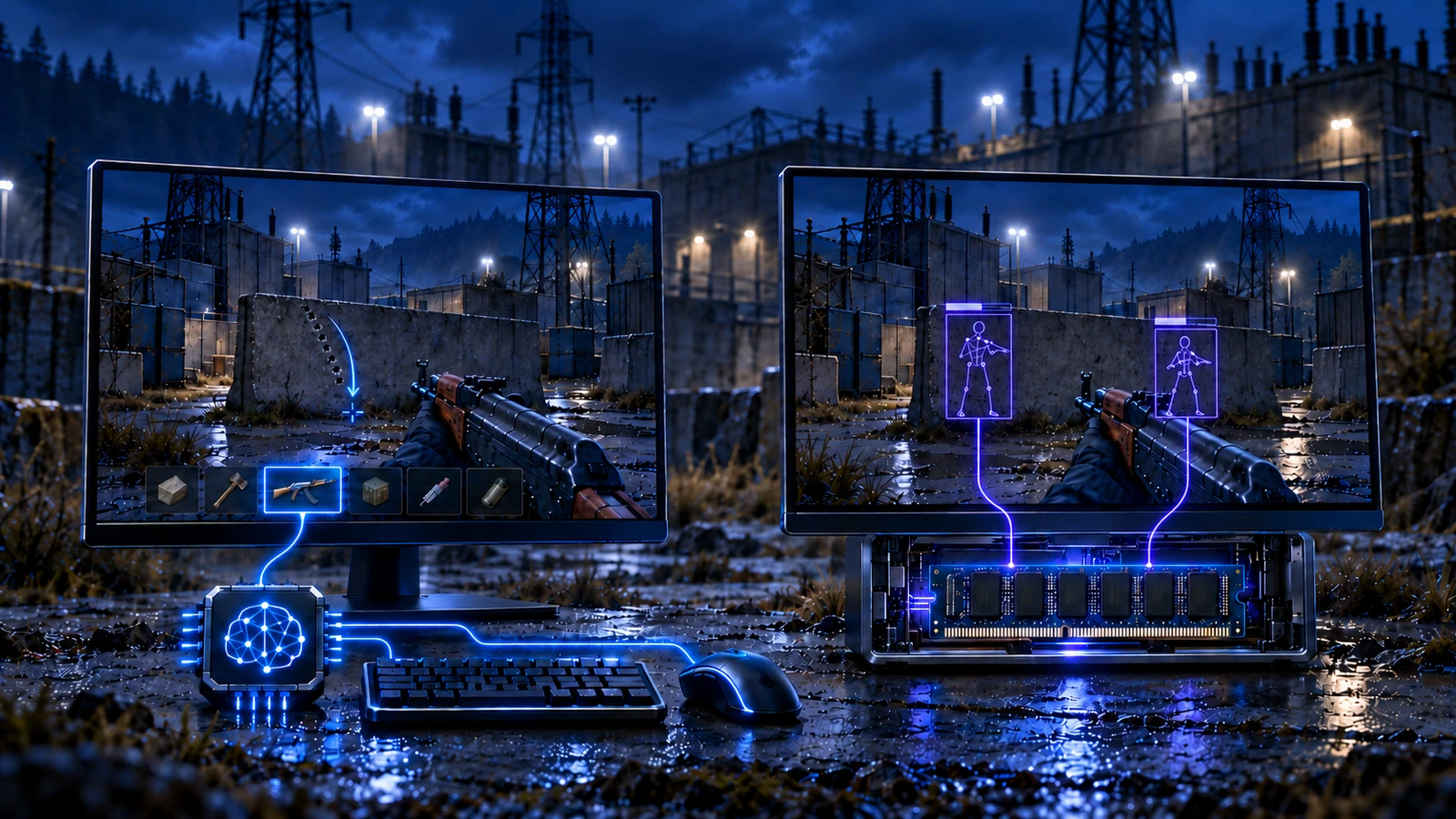
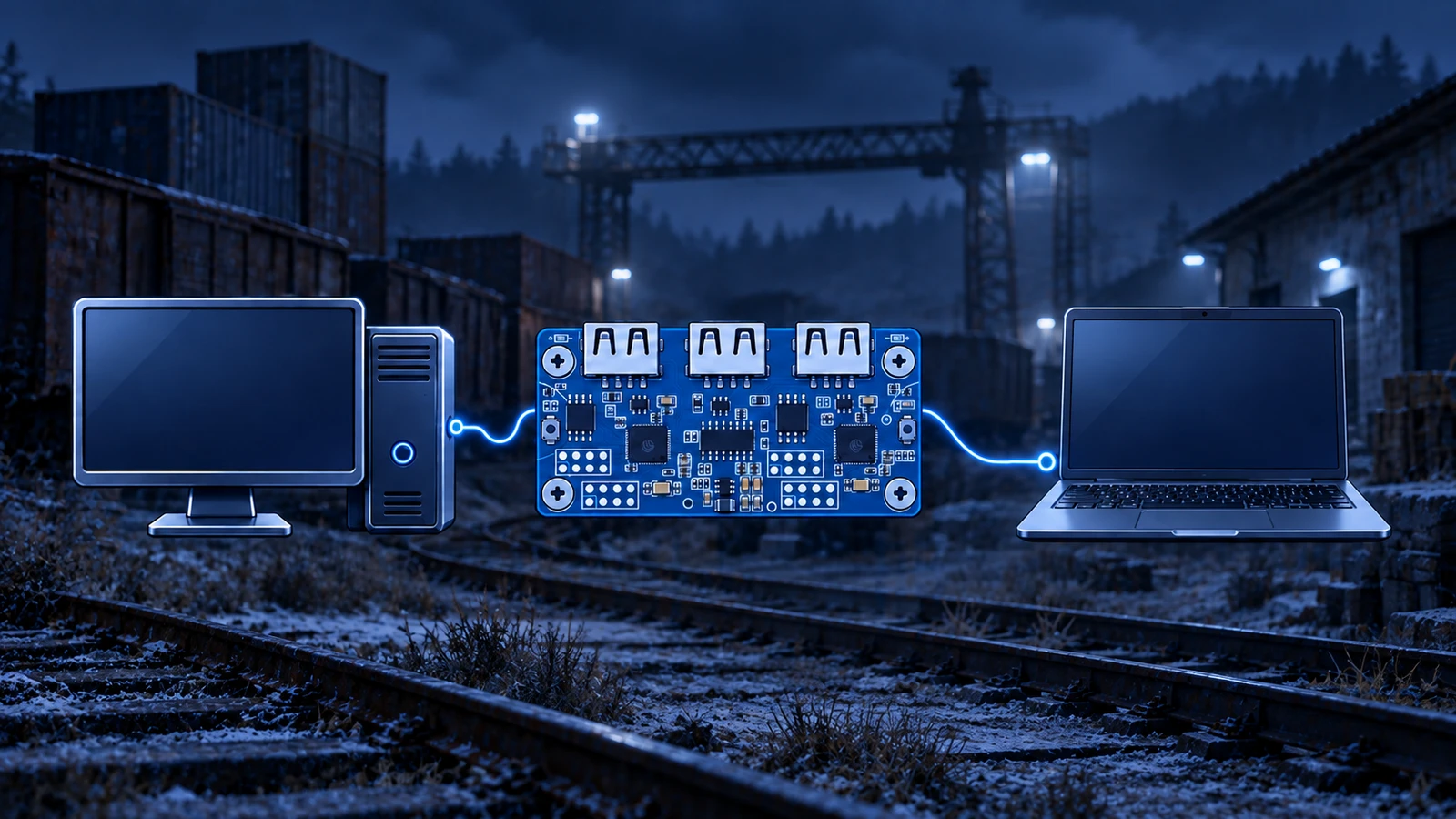
Hardware 2PC is the program’s main working method: the game runs on one computer, the program on another, and a Kmbox Net or Makcu board connects them. This way the gaming PC does not share resources with the program, and the method itself is the most stable one.
How the setup works
- Gaming PC — runs only the game; the program does not need to be installed on it.
- Second PC — runs the program. Almost any old laptop, PC or mini PC with Windows 10 or newer will do.
- Kmbox Net or Makcu board — the mouse connects to the board, and the board connects to both the gaming PC and the second one. The gaming PC sees it as a regular mouse, while the program uses it to add its own movements to your mouse — recoil compensation, for example.
- Screen capture — the gaming PC’s picture is sent to the second PC so the program can see the weapon: with a capture card, via OBS with the NDI plugin or with a streaming app.
Pros
- The main method. Game developers can fix the other methods at any time, and they periodically go into update — 2PC is more stable.
- The gaming PC stays free. The program and the board driver live on the second PC, and recognition and calculations run there too. With a capture card the gaming PC does no extra work at all, with OBS — only the screen broadcast.
Cons
- You need hardware: a board and a second computer, and for the best picture — a capture card that handles at least 1080p at 60 fps or your monitor’s resolution.
- Longer setup: flashing the board, connecting the cables and setting up screen capture. Step-by-step instructions and firmware come after purchase.
Which screen capture to choose
- Capture card — the simplest, fastest and most reliable way.
- OBS with the NDI plugin — no extra hardware; both PCs must be on the same local network.
- Streaming apps — AnyDesk, Moonlight, Steam Link, TeamViewer and others in fullscreen. The aspect ratio on the second PC must match the gaming PC.
// No second PC
A Kmbox Net or Makcu board can also be connected to the same computer the game runs on — that is the Hardware 1PC method.
Step-by-step instructions for flashing and connecting the boards are in the documentation; it opens with the key from the email you get after purchase. Where to buy a board and a mini PC — on any product page, in the Boards and mini-PCs for 2PC block.
Choose your game
The current state of the method for your game is on the status page.