Every weapon has its own recoil, and it changes with sights and attachments. So that you do not have to switch profiles by hand mid-fight, the program recognizes what you are holding and turns on the right compensation.
How the program recognizes a weapon
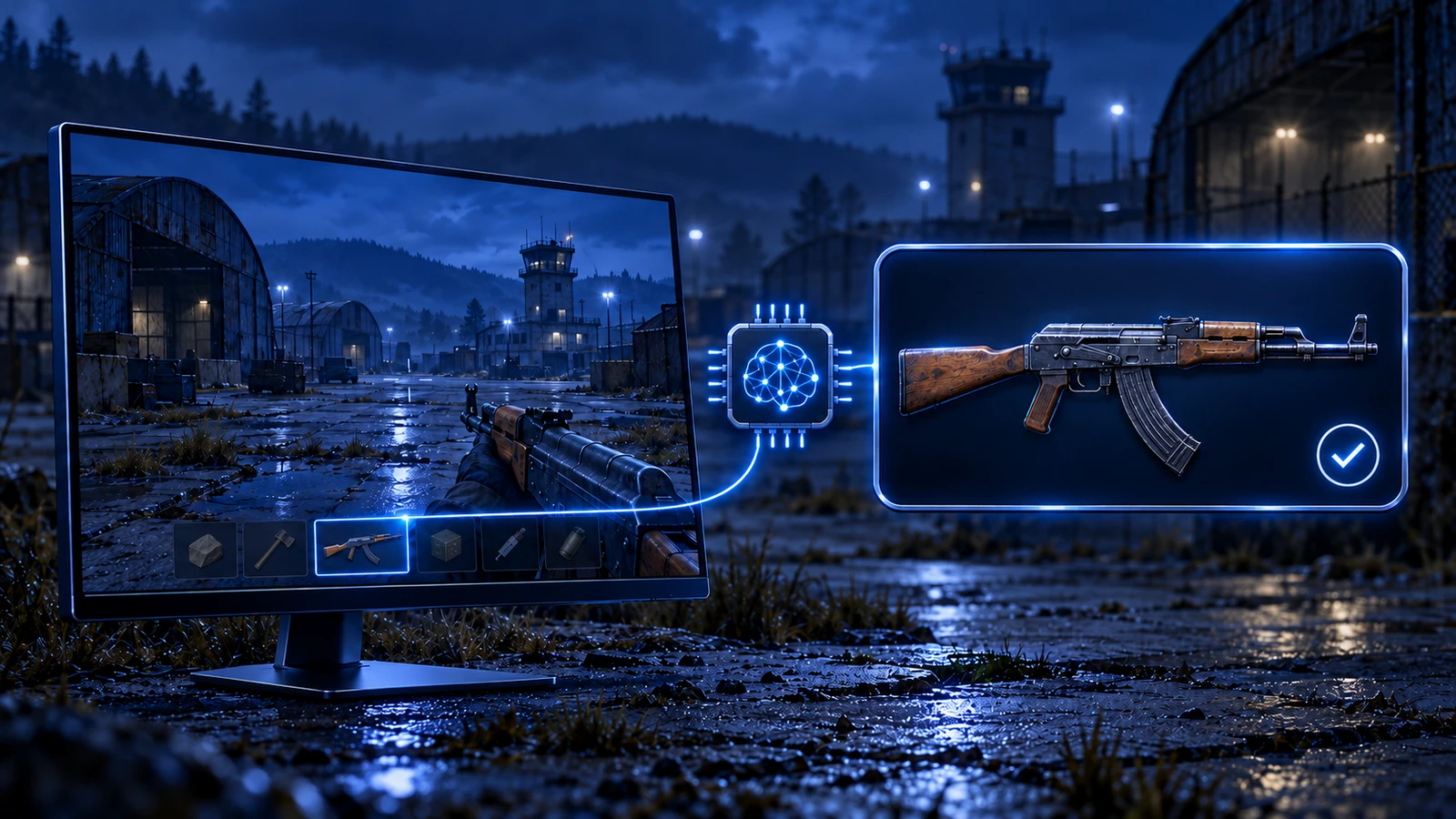
The program looks at the same picture you do: it takes the screen image and finds the weapon, sight and attachments on it by the game interface. Recognition is built on artificial intelligence, so it works at any resolution, aspect ratio, graphics and gamma settings.
Once the weapon is identified, the program turns on its compensation profile, taking the sight and attachments into account. It does not inject into the game — the picture on the screen is all it needs.
When detection runs
The auto-detection settings usually offer two options:
- On weapon slot key press — the weapon is checked when you press a slot key. It suits you if you do not switch weapons with the mouse wheel, and it adds no extra load.
- In real time — the weapon is checked constantly. You need it if you switch weapons with the mouse wheel, but it puts extra load on the CPU.
If a weapon is not detected
- The game runs in fullscreen or borderless windowed mode
- NVIDIA and other graphics filters are off — they distort the picture
- The game resolution matches your Windows resolution
- The interface settings from your game’s guide are done: for example, graphics.uiscale “1” in Rust, cl_showloadout 1 in CS2, “Always Show Inventory” in Valorant
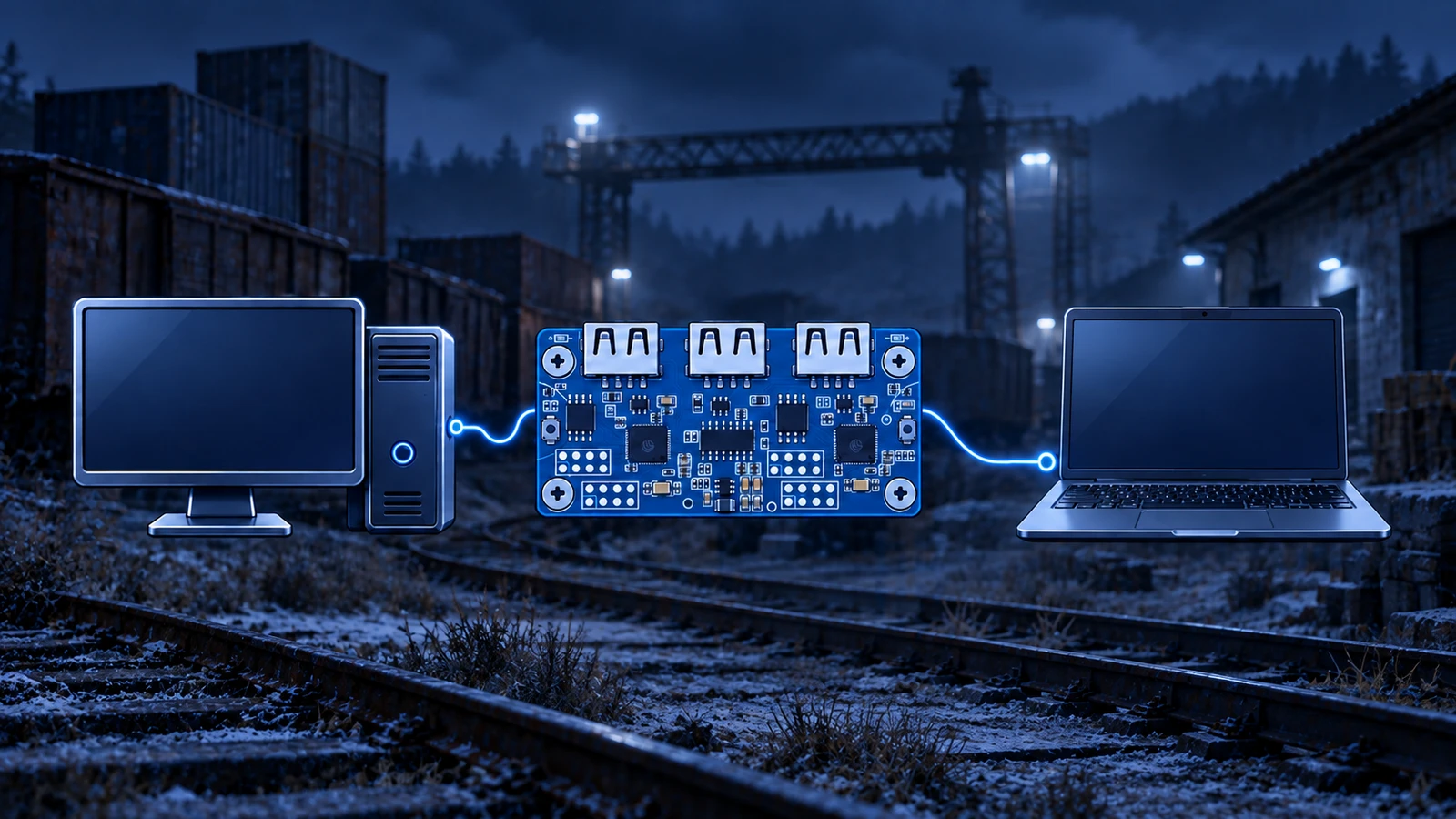
- When playing via 2PC, the picture on the second PC has the same aspect ratio as the gaming monitor
If everything is done and the weapon is still not detected, message support and attach a game screenshot and your auto-detection settings.